
In certain cases, you may encounter the error message 530 5.7.0 Authentication Required, as shown below:
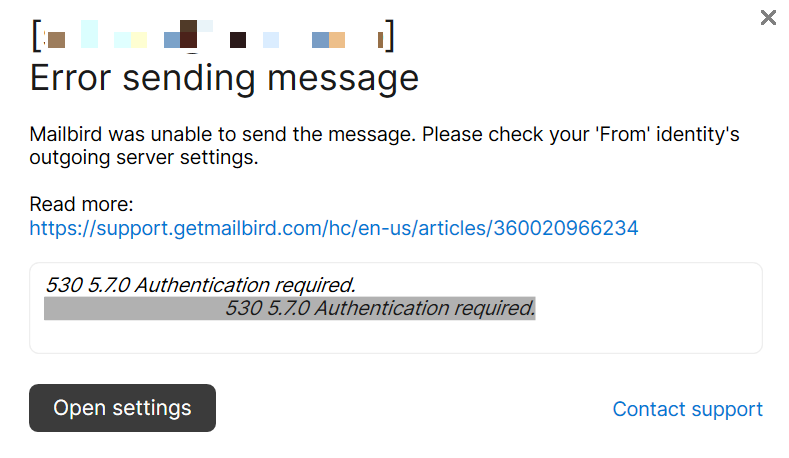
This is a very simple problem to fix, and although this error message is being shown to you by Mailbird, in reality it is originating from your email provider's own server, where you account is hosted. Mailbird is simply acting as the messenger.
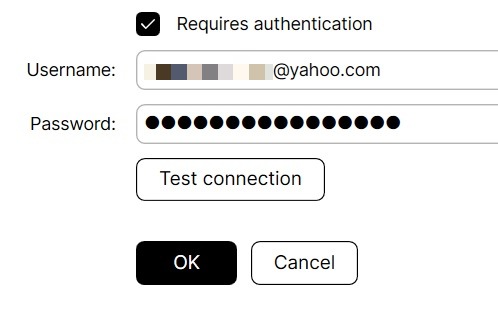
To resolve this issue, simply navigate to your email account settings in Mailbird and make sure that the option called Requires authentication is enabled. To do this, simply follow the steps below:
- Open the Mailbird menu in the top lefthand corner (i.e. the three horizontal lines).
- Click on Settings.
- Navigate to the Accounts tab.
- Now, double-click on account which triggered the error message.
- Lastly, search for the Requires authentication option near the bottom of the menu which is being displayed (as shown below).
0
Please sign in to leave a comment.
Comments
0 comments